Screenshots that pitch your app.
Turn your raw app screens into designed, store-ready App Store & Play Store screenshots — free, and entirely in your browser. Nothing is uploaded.
No signup · Nothing uploaded · Works offline
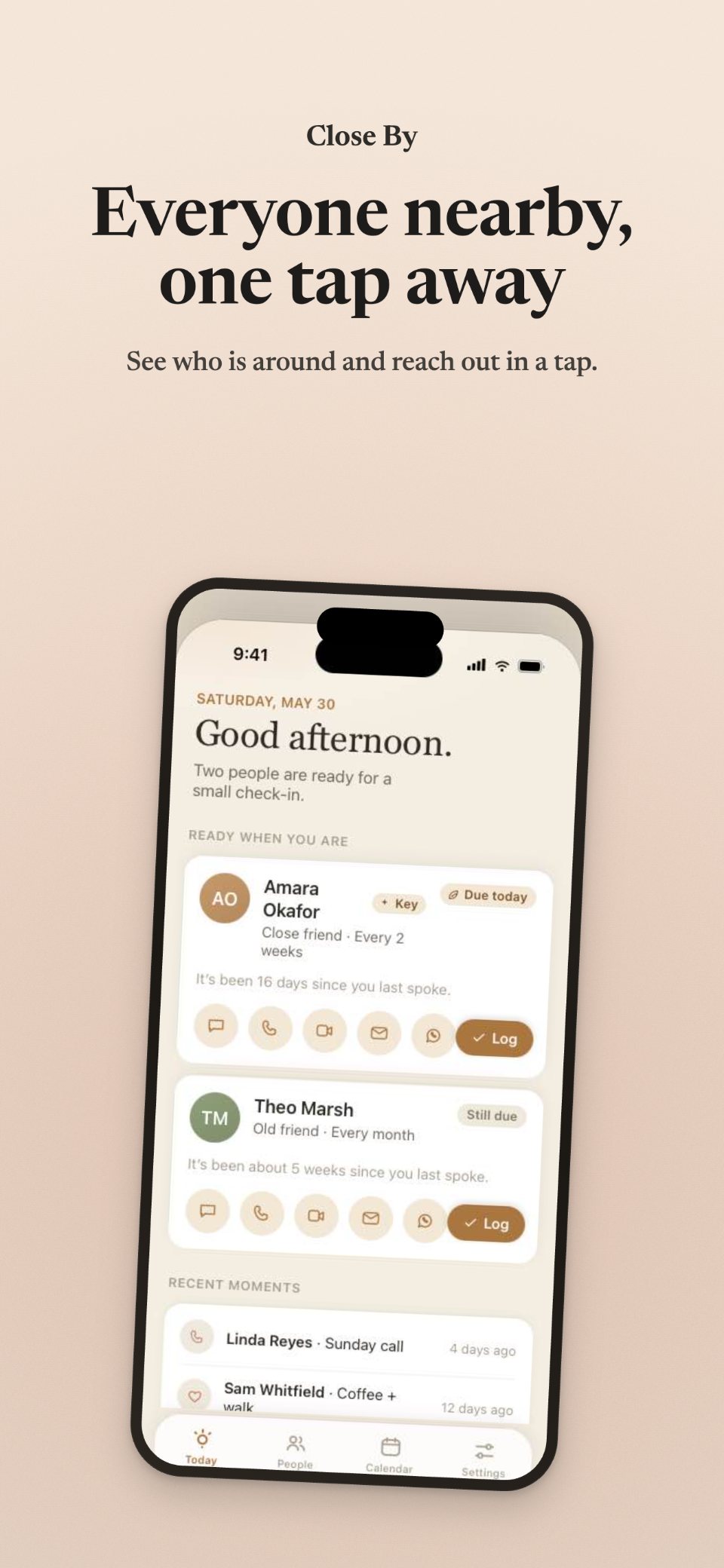
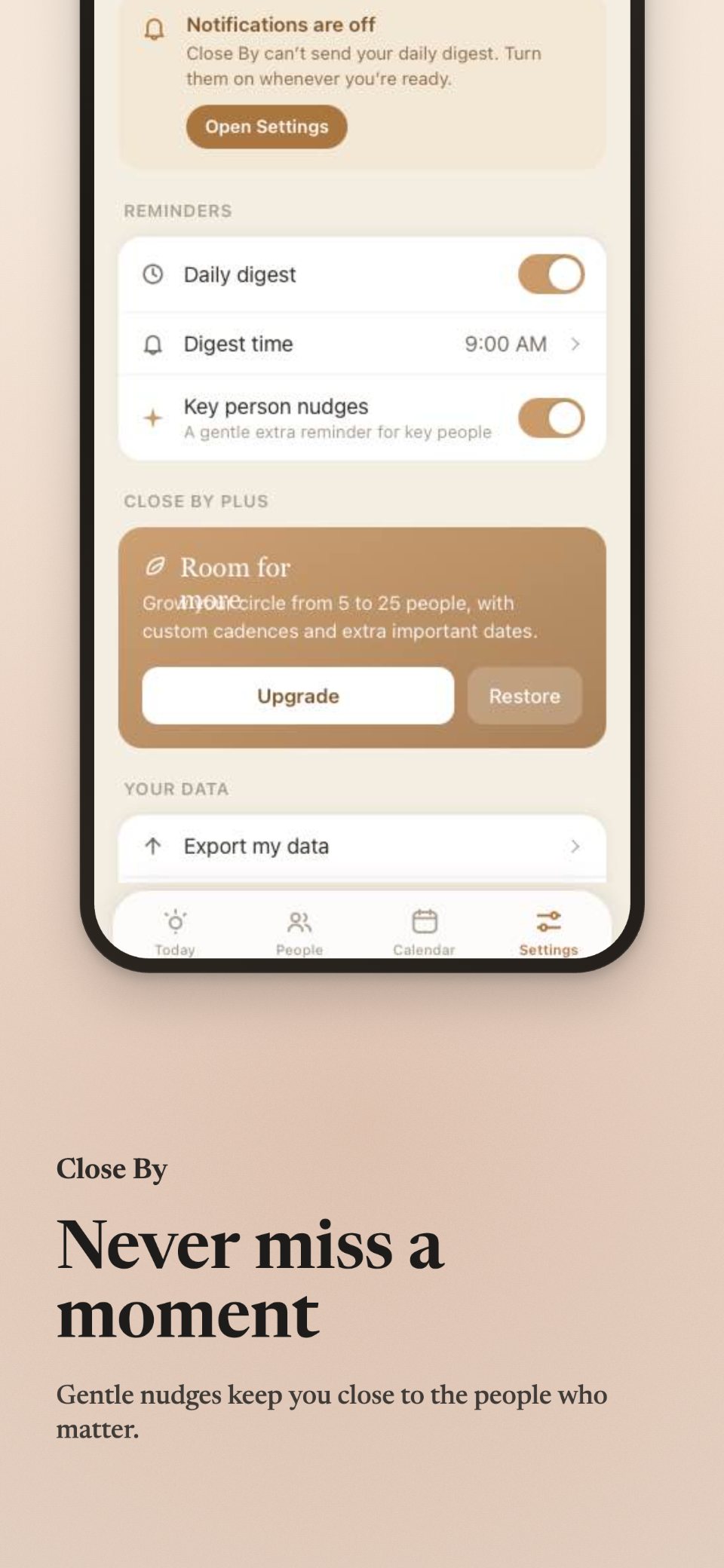
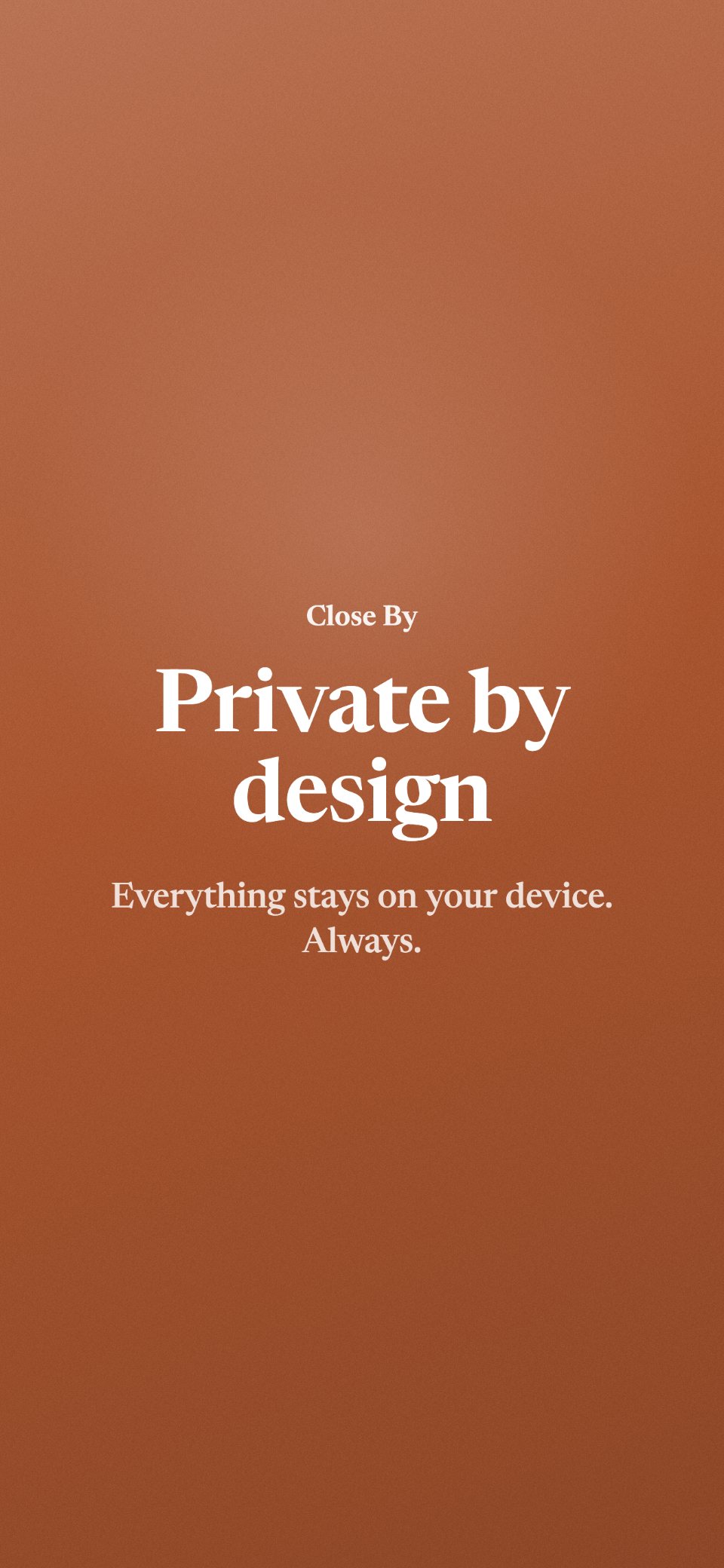
Your raw screenshot, restyled.
The same screen you'd drop in — and the store-ready panel that comes out. Real output, at the actual 1290×2796 App Store size.
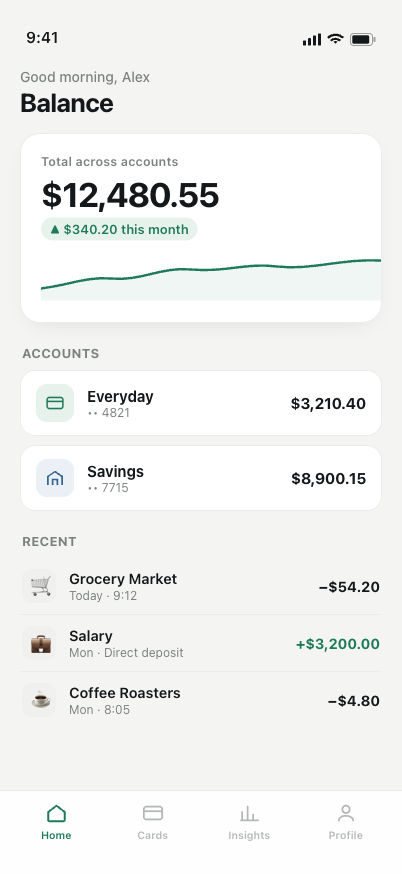
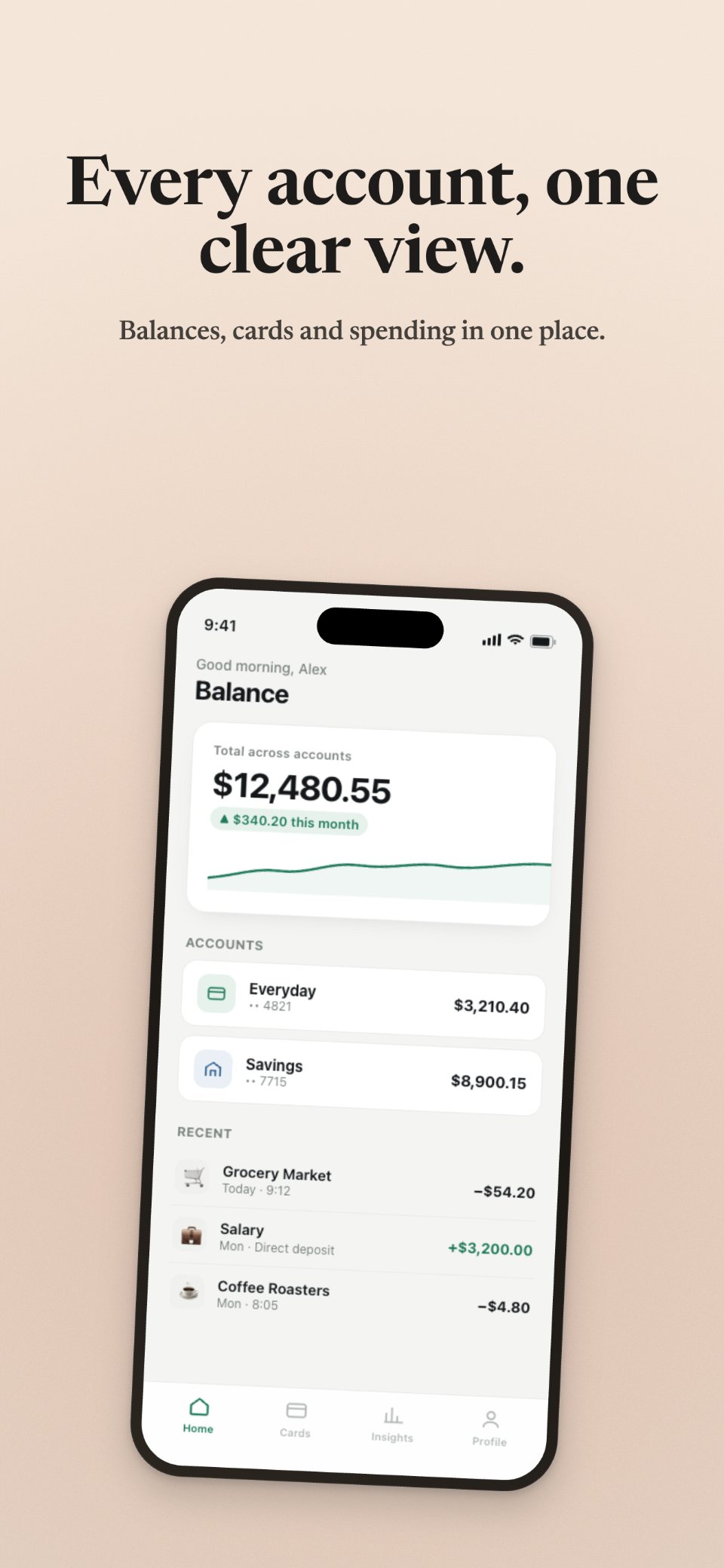 1290 × 2796 · store-ready
Drop in a screenshot. Pick a look. Download the finished panel. No design skills required.
Built for the way indies actually ship.
Free, forever
No signup, no subscription, no watermark. Export as many sets as you want.
Private & local
It runs in your browser — your screenshots never leave your machine. No account, no server, no upload.
Designed, not generic
Opinionated type, soft colour bands, and real device frames — so your listing looks intentional.
From open tab to uploaded ZIP.
Open a screen
Start a set and pick your device — iPhone 6.9″, iPad 13″, Android, and more.
Add your screenshots
Drop in each screen, write a headline, and tweak the colour and frame.
Download the ZIP
Export store-ready, correctly-sized, opaque PNGs — ready to upload.
Exports at the exact sizes Apple and Google require today, as opaque 24-bit PNG — so App Store Connect and Play Console accept them the first time. See the current sizes →
The honest answers.
Is it really free?
Yes — no signup, no subscription, no watermark. There's an optional tip jar if you'd like to say thanks.
Do my screenshots get uploaded anywhere?
No. Everything runs in your browser. Your images never touch a server — there's no backend to send them to.
What sizes does it export?
The current required store sizes — iPhone 6.9″ (1290×2796), iPhone 6.5″ (1242×2688), iPad 13″ (2064×2752), and Android (1080×1920) — as opaque PNG. Full breakdown →
Do I need an account?
No. Open the page and start.
Does it work offline?
Yes — it's a single static page. Save it and it keeps working without a connection.
Will Apple and Google accept these?
They're sized to spec and exported as opaque PNG (both stores reject transparency), so they're built to upload cleanly.
Make your store screenshots — free, in your browser.
No signup. Nothing uploaded. Open it and export a set in minutes.
Open the generator →